> For the complete documentation index, see [llms.txt](https://stakpak.gitbook.io/docs/llms.txt). Markdown versions of documentation pages are available by appending `.md` to page URLs; this page is available as [Markdown](https://stakpak.gitbook.io/docs/get-started/using-stakpak.md).
# Using Stakpak
## Using Stakpak Interactively (Interactive Mode)
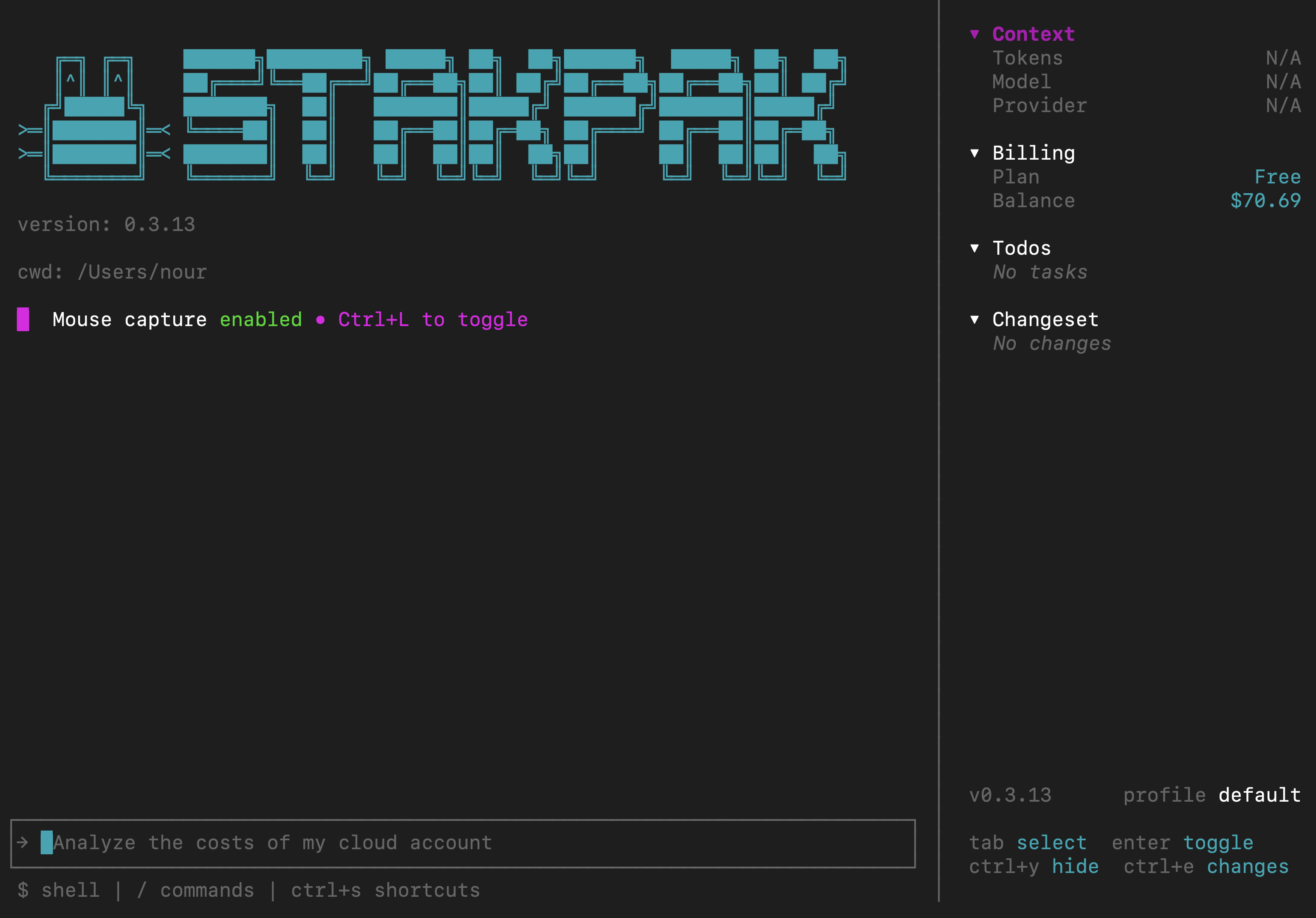
To run stakpak interactively, all you have to do is to open the terminal in the directory you want to work in and type: `stakpak`
## Using Stakpak in Async (Async Mode)
To run stakpak in async mode all you have to do is to open the terminal and type: `stakpak -a "your prompt"`
You can set the max number of steps the agent can take by adding the `-m` flag
{% hint style="info" %}
The default number of steps in async mode is 50
{% endhint %}
## Using Stakpak on Remote Servers (SSH)
Stakpak’s file editing tools support SFTP, so you can create/edit/remove files on a remote host without installing anything on it.
all you have to do is to open stakpak on your local machine and then typing:
`command ssh username@ -p `
Once connected, Stakpak can operate on the remote filesystem using the following commands:
* **create** – create new files on the remote host
* **str\_replace** – modify existing files by replacing content
* **view** – read and inspect remote files
* **run\_command** – execute commands on the remote server
or you can use [Shell Mode](/docs/how-it-works/shell-mode.md)