> For the complete documentation index, see [llms.txt](https://stakpak.gitbook.io/docs/llms.txt). Markdown versions of documentation pages are available by appending `.md` to page URLs; this page is available as [Markdown](https://stakpak.gitbook.io/docs/get-started/install-stakpak/installation-on-linux.md).
# Installation on Linux
This is a step-by-step guide to installing Stakpak CLI on Linux.
## Installing Stakpak
Installing Stakpak is as easy as running one command
```
curl -sSL https://stakpak.dev/install.sh | sh
```
* Press Y to proceed with installation
* Press Y to use [Homebrew](https://brew.sh/) for installation
## Configuring Stakpak
If you want to read more about whats the difference between Stakpak Cloud and Stakpak Open Source you can check this: [OSS vs Cloud vs Enterprise](/docs/get-started/oss-vs-cloud-vs-enterprise.md)
### Stakpak Cloud
When you connect to the **Stakpak Cloud**, you unlock advanced capabilities designed for team collaboration, evolving intelligence, and workflows, including:
* Shared[Rulebooks](/docs/how-it-works/rulebooks.md), Sessions, and [Memory (Knoweldge Store)](/docs/how-it-works/memory-knoweldge-store.md)
* Agent Recovery
* Intelligent Context Management
* Fast Documentation Research
* Discord support
1. Choose "Use Stakpak API"
2. Then it will automatically open the browser and check if you are signed in, if not then you will be redirected to sign in/register.
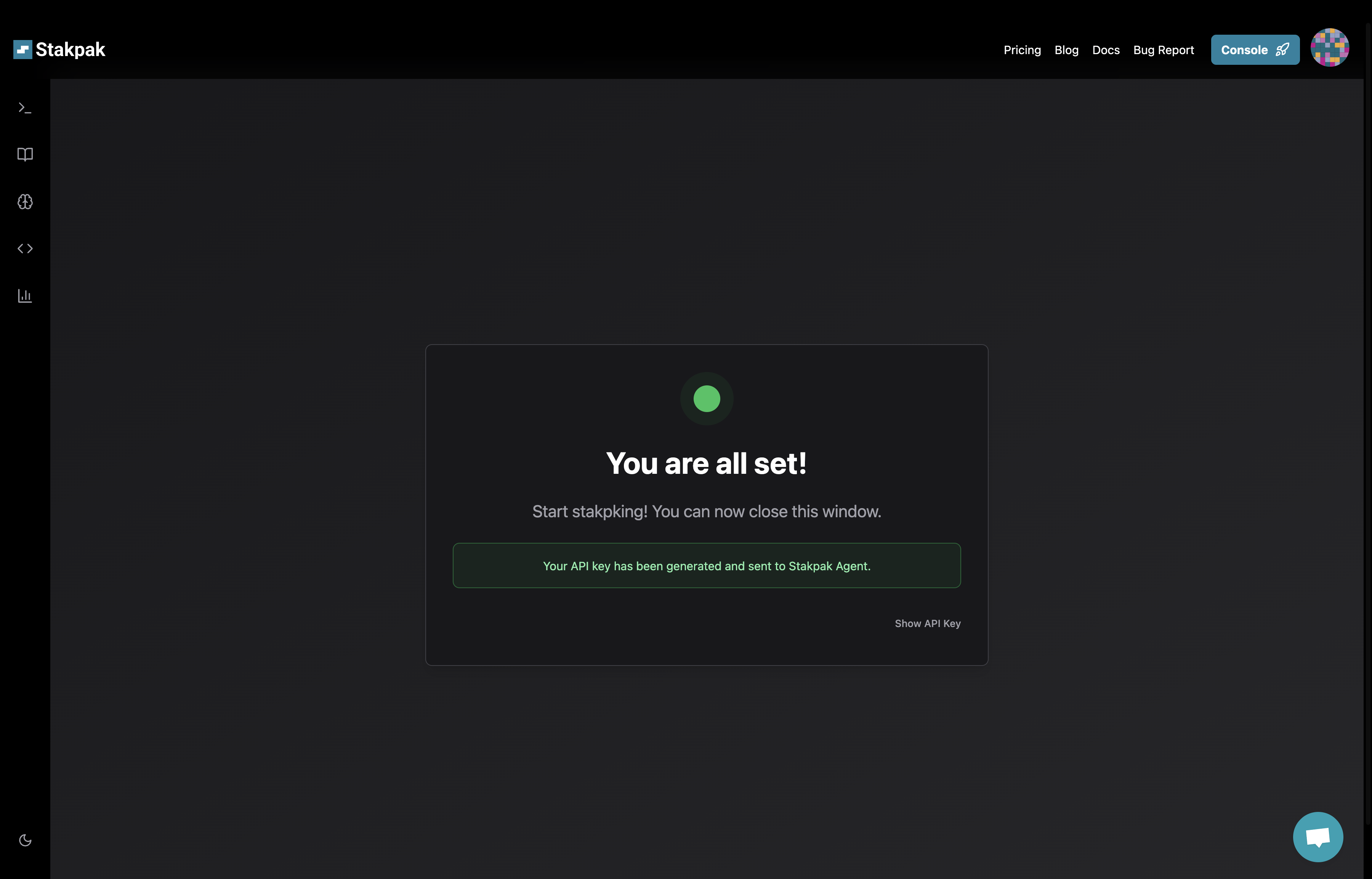
3. Then you will be redirected to the api key page, and it will be copied automatically and sent to your terminal
Now, you can close your browser
That's it, we are ready to use Stakpak🥳
### Stakpak Open Source
You can use Stakpak entirely offline with the **open source edition**. It runs fully in your environment with your own key and requires no connection to the Stakpak API (except for fetching public Rulebooks from the Stakpak Registry, which is an unauthenticated API)
1. Use the arrow keys to choose "Use my own Model/API Key," then press enter
2. Choose whether you want to use your own provider key or your own model
{% stepper %}
{% step %}
### Use Your Own Provider Key
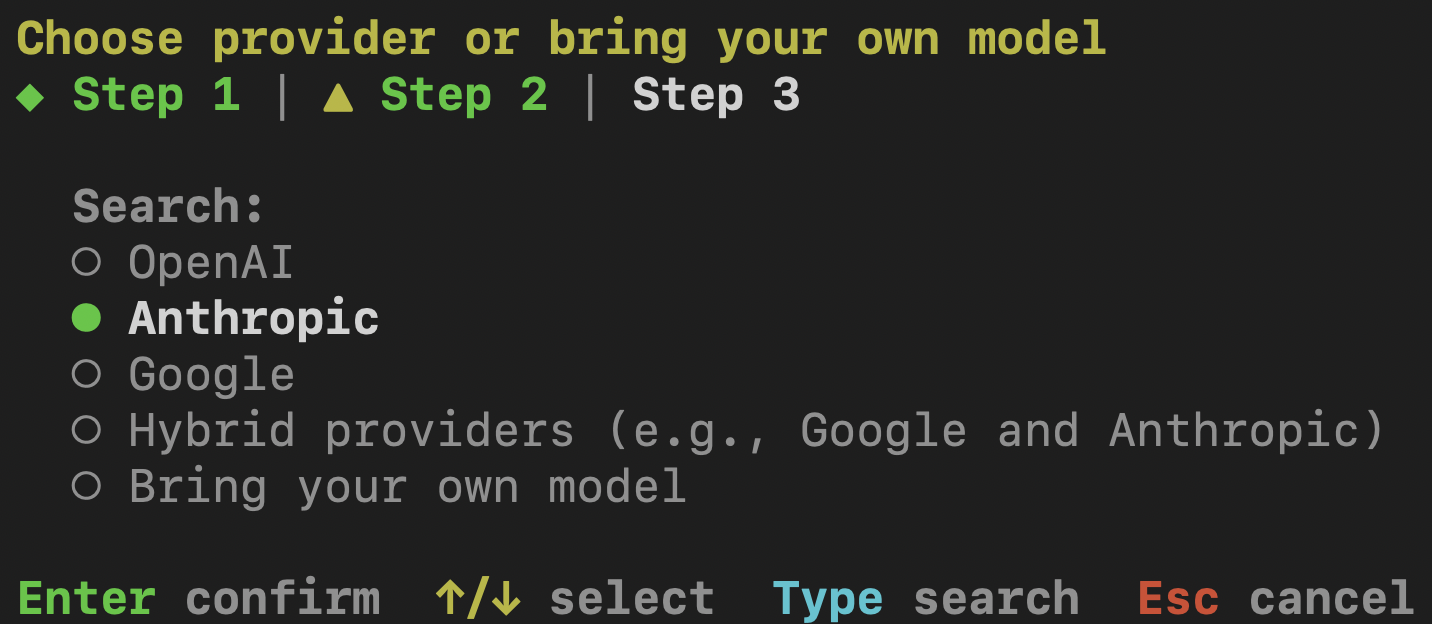
1. Choose your provider (Anthropic, Google, OpenAI), then press enter
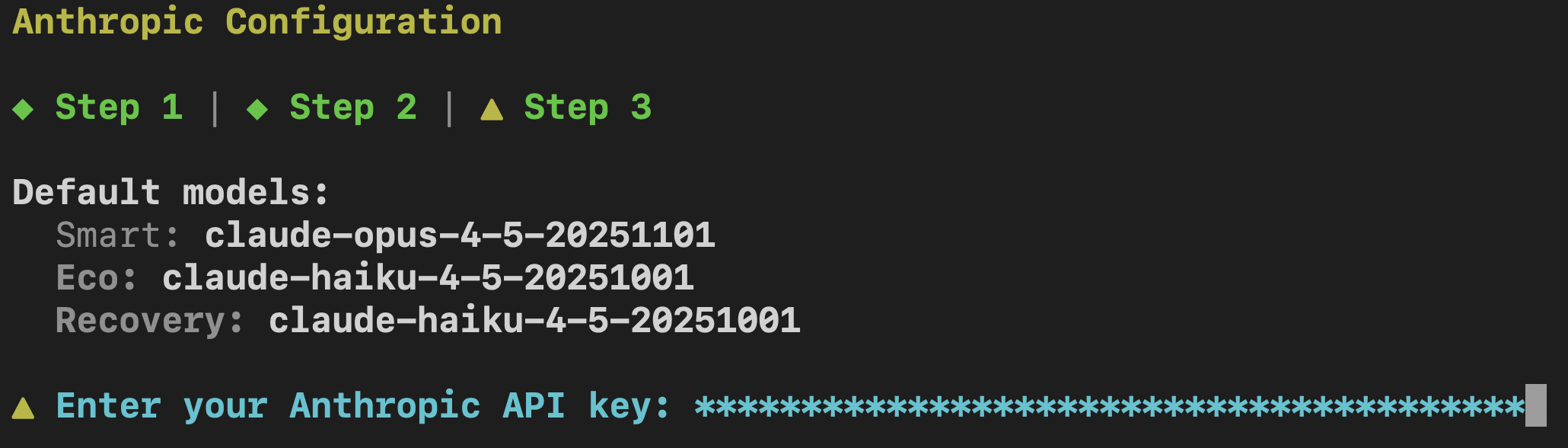
2. Paste your provider's API Key and press enter
That's it, we are ready to use Stakpak🥳
{% endstep %}
{% step %}
### Hybrid providers (e.g., Google and Anthropic)
Choose "Hybrid Providers" then press enter
#### Hybrid Mode (mix providers for smart/eco models)
{% hint style="info" %}
You’ll set up a **Smart** model for complex tasks and an **Eco** model for cheaper, lightweight tasks. if you want to use a single model for both skip to the "Single Model Mode" Section
{% endhint %}
1. Choose your preferred provider for the smart mode
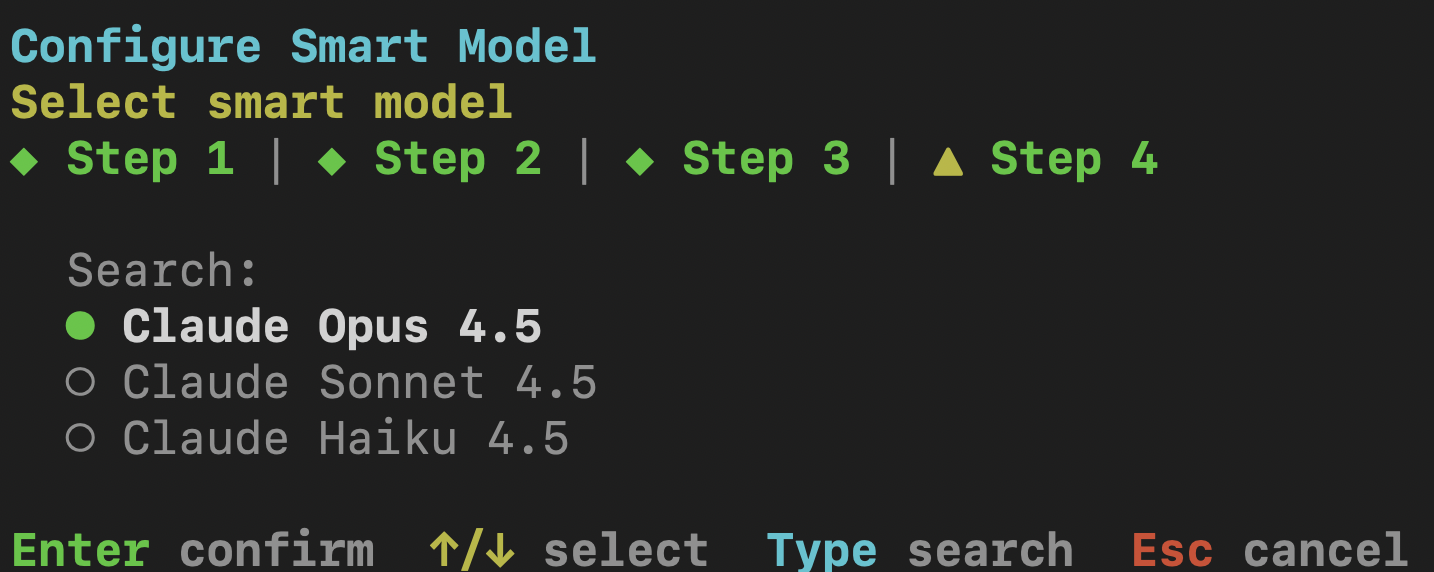
3. Then choose your preferred provider model for the smart mode
4. Paste your provider's API Key and press enter
5. Then follow the same steps again to pick the provider, model, and key for your **Eco** mode.
6. Then press "Y" to save your configs
That's it, we are ready to use Stakpak🥳
{% endstep %}
{% step %}
### Bring Your Own Model
Choose "Bring Your Own Model" then press enter
1. Enter your OpenAI compatible chat completion API endpoint
1. Example:
2. Write a name for your model
3. Enter API key if needed
That's it, we are ready to use Stakpak🥳
{% endstep %}
{% endstepper %}
## Frequently Asked Questions (Q\&A)
### How to update Stakpak?
To update Stakpak to the latest version, just open your terminal and write `stakpak update`